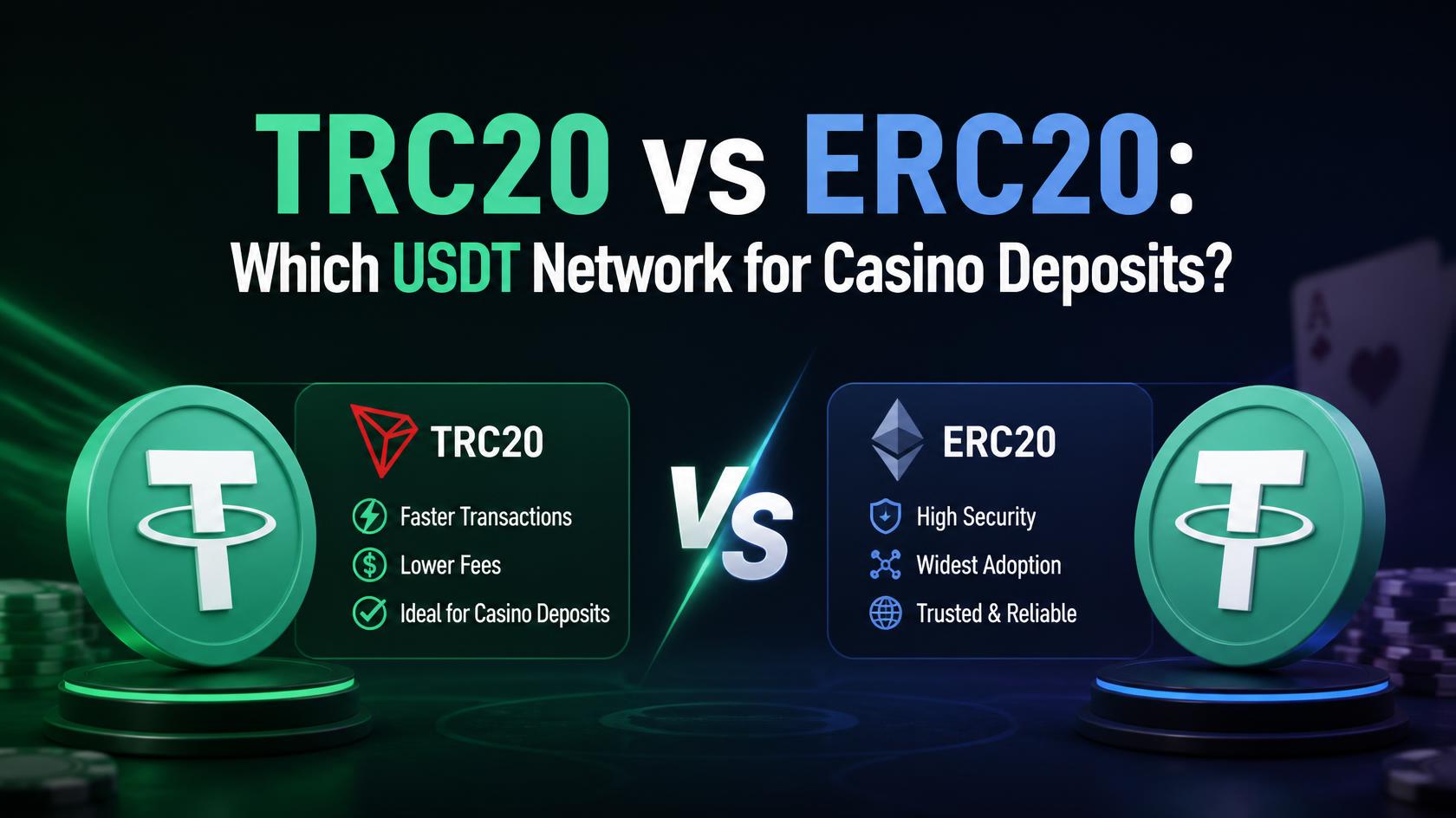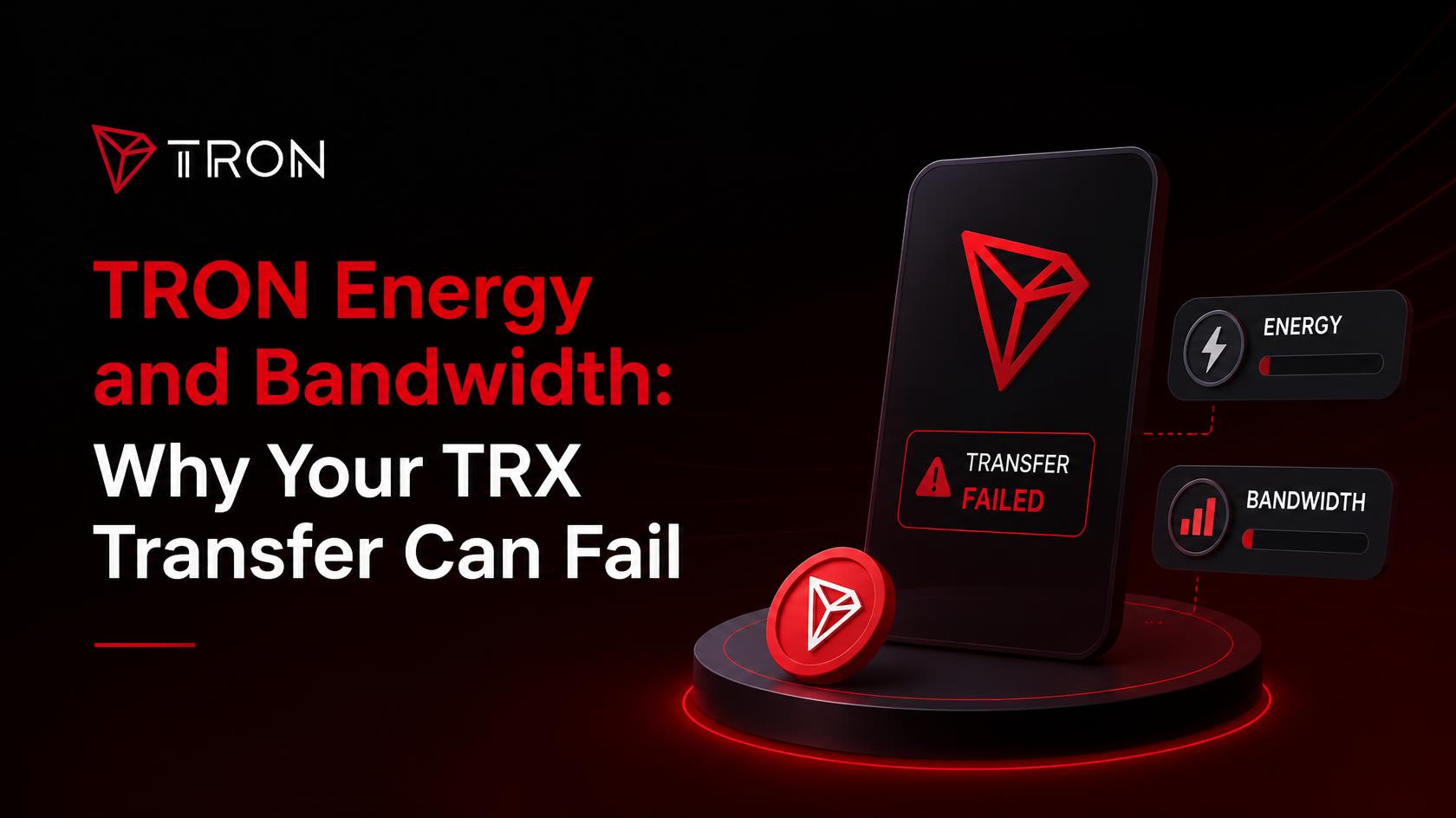
TRON energy and bandwidth replace the single gas fee other chains use. Bandwidth covers the size of a transaction. Energy covers smart contract execution. A plain TRX transfer needs only Bandwidth, and every account gets 600 of those free each day. A USDT TRC-20 transfer needs Energy as well, and Energy is never free.
What Are Energy and Bandwidth on TRON?
Two separate meters, running at the same time.
Bandwidth measures how much space a transaction takes up. It is counted in bytes, so the size of the transaction matters and the amount you are sending does not. Moving 10 TRX and moving 10,000 TRX use the same Bandwidth.
Energy measures computation. It only gets consumed when a smart contract runs. Sending TRX is not a contract call, so it needs no Energy. Sending USDT is, because the token contract has to update its own balance records.
That split is the whole of TRON energy and bandwidth. Everything below follows from it.
Both resources refill over roughly 24 hours, so what you spend today is back tomorrow. Our guide to TRON casino deposits covers the cashier side of this.
Why TRX and USDT Deposits Use Different Amounts of Energy
Same network, same wallet, very different bill.
| Transfer type | Bandwidth used | Energy used |
| TRX | Around 268 points | None |
| USDT TRC-20 | Around 345 points | Yes, a large amount |
| USDT to an address that has never held it | Around 345 points | Roughly double |
A TRX transfer sits comfortably inside the free daily Bandwidth. Two of them a day usually cost nothing at all, which is why TRX transaction fees barely register for most people.
A USDT transfer is a different animal. The Bandwidth part is still small. The Energy part is not, and there is no free allowance to fall back on.
The third row is the one people miss. If the receiving address has never held USDT before, the contract has to create a record for it, and that costs roughly double the Energy of a transfer to an existing holder. The amount you send does not change. The recipient does. The exact number moves slightly with network traffic, since TRON’s Energy pricing adjusts to real-time demand, but the roughly-double relationship holds as a reliable baseline.
What Happens When You Run Out of Energy?
The network takes TRX from your balance instead.
That is the fallback, and most of the time it works quietly in the background. You send USDT, you have no staked Energy, so TRON burns some TRX to cover the gap. The transfer goes through and you see a fee you were not expecting.
The problem starts when there is not enough TRX left to burn.
Then the transfer fails. Wallets usually report it as an out-of-energy error. If your wallet had too little TRX to even attempt the transfer, the failed attempt costs you next to nothing, a fraction of a cent in Bandwidth at most. But if you had some TRX and the network burned it trying to cover the shortfall before giving up, that TRX is gone. The network does not refund resources spent on a failed attempt. Either way, the USDT itself never moves.
This is the practical warning. Send your entire TRX balance somewhere and you may have nothing left to cover the next transfer. Always keep a small amount back. How much depends on what you are sending and where, which is where TRON energy and bandwidth costs get confusing.
Why Do TRON Fee Figures Online Disagree?
Because almost every guide quotes one number confidently, and the numbers do not agree.
Look across the sources and you find the Energy needed for a single USDT transfer listed as 32,000, as 65,000, or even 130,000. The burn cost comes out anywhere from under 2 TRX to over 14. The amount of TRX you supposedly need to stake for one free transfer a day ranges from 2,000 to 13,500.
Three things explain the spread.
The Energy price changed. A governance proposal lowered it, so anything written before that carries the old maths.
TRX moves. Every cost in TRX converts to a different dollar figure depending on the day.
The recipient matters. A transfer to an address that already holds USDT costs less than a transfer to a fresh address.
The takeaway is simple enough. Treat any single figure for TRX transaction fees, including the ones here, as a rough guide. The number that applies is the estimate your wallet shows before you confirm.
Three Ways to Cover TRON Energy and Bandwidth
You have three options for covering TRON energy and bandwidth, and the right one depends on how often you move funds.
| Method | How it works | Suits |
| Burn TRX | The network takes TRX automatically when resources run short | Occasional transfers |
| Stake TRX | Freeze TRX and receive a daily resource allowance | Frequent, predictable volume |
| Rent Energy | Pay a third party for Energy on demand | Regular transfers without locking funds |
Burning needs no setup. Keep some TRX in the wallet and the network handles it. It is also the most expensive per transfer, which is fine if you send occasionally and painful if you do not.
Staking means locking TRX in exchange for a daily allowance. Costs drop sharply, and active users can push them into the cent range. The catch is the lock-up. Unstaking takes 14 days before you can move the coins again.
Renting sits between the two. You pay for Energy when you need it and your TRX stays liquid. Popular with people who transfer regularly but do not want funds frozen.
For most casino players, burning is enough. You are not moving funds dozens of times a day, and locking up TRX to save a few cents per deposit rarely adds up.
How Do You Check Your Energy Balance?
Two places, and it takes seconds once you know where to look.
In your wallet
Most TRON wallets show resources on a dedicated screen. In TronLink it sits under the account view, usually labelled Resources or Account Resources. You get two bars, one for Bandwidth and one for Energy, with the amount available and the amount used.
Check it before a USDT transfer rather than after a failed one.
On a block explorer
TRONSCAN shows the same information for any address. Paste your address into the search bar and open the account page. Resources appear alongside the balance, so you can check a wallet you are not signed into.
It also works the other way. Paste a casino deposit address and you can see whether it has received TRC-20 tokens before. That tells you whether the higher Energy cost applies.
What the numbers mean
Both resources refill continuously over roughly 24 hours, so spending them is not permanent. Around half comes back after twelve hours. If you are short today, waiting is a free option that nobody mentions.
One extra cost worth knowing about. Sending TRX to a brand-new address that has never appeared on TRON triggers a small activation fee, typically around 0.1 TRX. If that first transaction is a smart contract call instead, such as a first-time USDT deposit, the activation fee rises to about 1 TRX and stacks on top of the doubled Energy cost already covered above.
What Does This Mean for a Casino Deposit?
Three things worth knowing before you open the cashier.
Depositing TRX is cheap. It uses Bandwidth only, and at a TRON casino the free daily allowance usually covers it. This is the simplest route and the one that surprises nobody.
Depositing USDT needs Energy. No free allowance exists. Either you hold staked resources or the network burns TRX. Either way, keep some TRX in the wallet before you start.
Fresh deposit addresses can cost more. Some casinos generate a new address for each deposit rather than reusing one. If that address has never received USDT, the Energy cost is roughly double. You cannot control that, but the wallet estimate will show it before you confirm.
None of this is a reason to avoid TRON. TRON energy and bandwidth still work out cheaper than most networks. It is a reason to check the estimate rather than assume, and to never send a wallet down to zero. Our walkthrough of depositing crypto at an online casino covers the steps that apply on any chain.
Do You Pay Energy on Withdrawals Too?
No, and this is the part almost nobody mentions.
Resources are paid by whoever sends the transaction. On a deposit, that is you. On a withdrawal the casino is sending, so the casino covers both resources.
That is why withdrawal costs look different from deposit costs on the same network. The casino may apply its own processing terms, but the on-chain resource bill is not yours. Our guide to how deposit processing times work covers the operator side of that.
Worth knowing if you have been budgeting for a cost that was never going to land on you.
Two Meters, One Habit Worth Building
TRON energy and bandwidth look complicated until you reduce them to the part that matters day to day.
Sending TRX is close to free. Sending USDT is not, because it runs a contract and contracts need Energy. Energy has no free allowance. It either comes from staked TRX or gets burned from your balance.
Which leaves one habit. Keep a small TRX reserve in the wallet, always, and read the estimate before you confirm. That single step prevents almost every failed transfer people run into on TRON.
Responsible Gambling Notice: For players 18+ (or 21+ where required). Cheaper transfers do not change the house edge or your odds on any game. They change what it costs to move money, nothing else.